PEDRO VICTOR

DesignEngineer

Senior Product Designer / UX Engineer

I design digital products and build React interfaces.

  • Design since 2008 · UX since 2017
  • 30+ high-fidelity prototypes
  • React · TypeScript · Next.js
  • Brazil · English / Português

Experience across different industries.

Some of the brands I have worked on projects for throughout my career.

Bradesco logoItau logoPorto Seguro logoFacebook logoRoblox logo

Projects in UX/UI, web development, visual design and games.

  • React
  • Next.js
  • TypeScript
  • JavaScript ES6+
  • HTML
  • CSS
  • Styled Components
  • Sass
  • Bootstrap
  • component-based UI
  • responsive interfaces
  • accessibility
  • interface performance

Explore the project pages, demos and code below.

Product design

A closer look at the screens and prototypes for three projects.

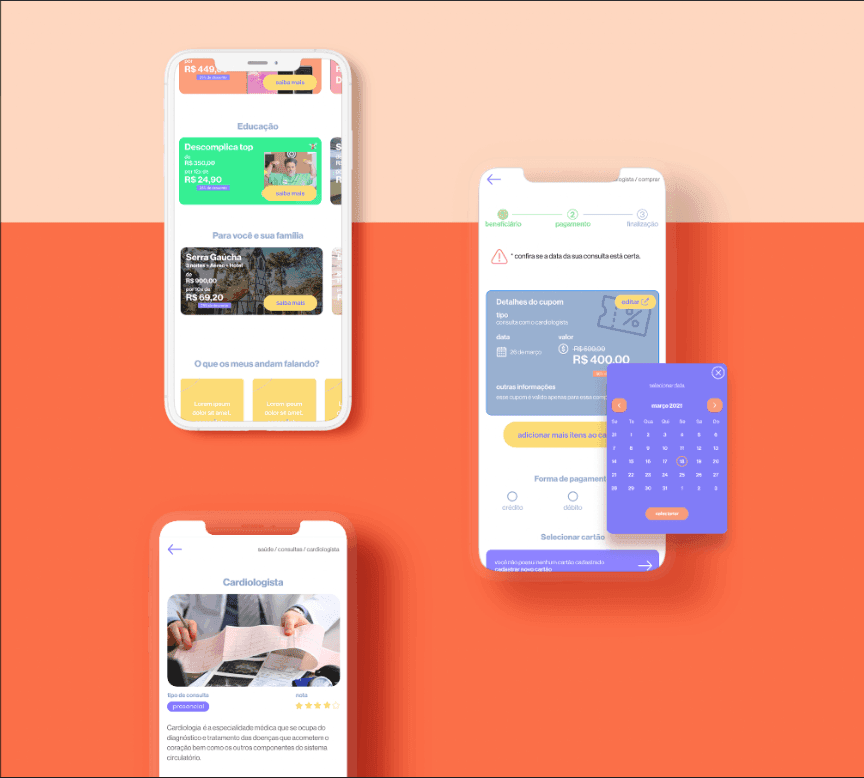
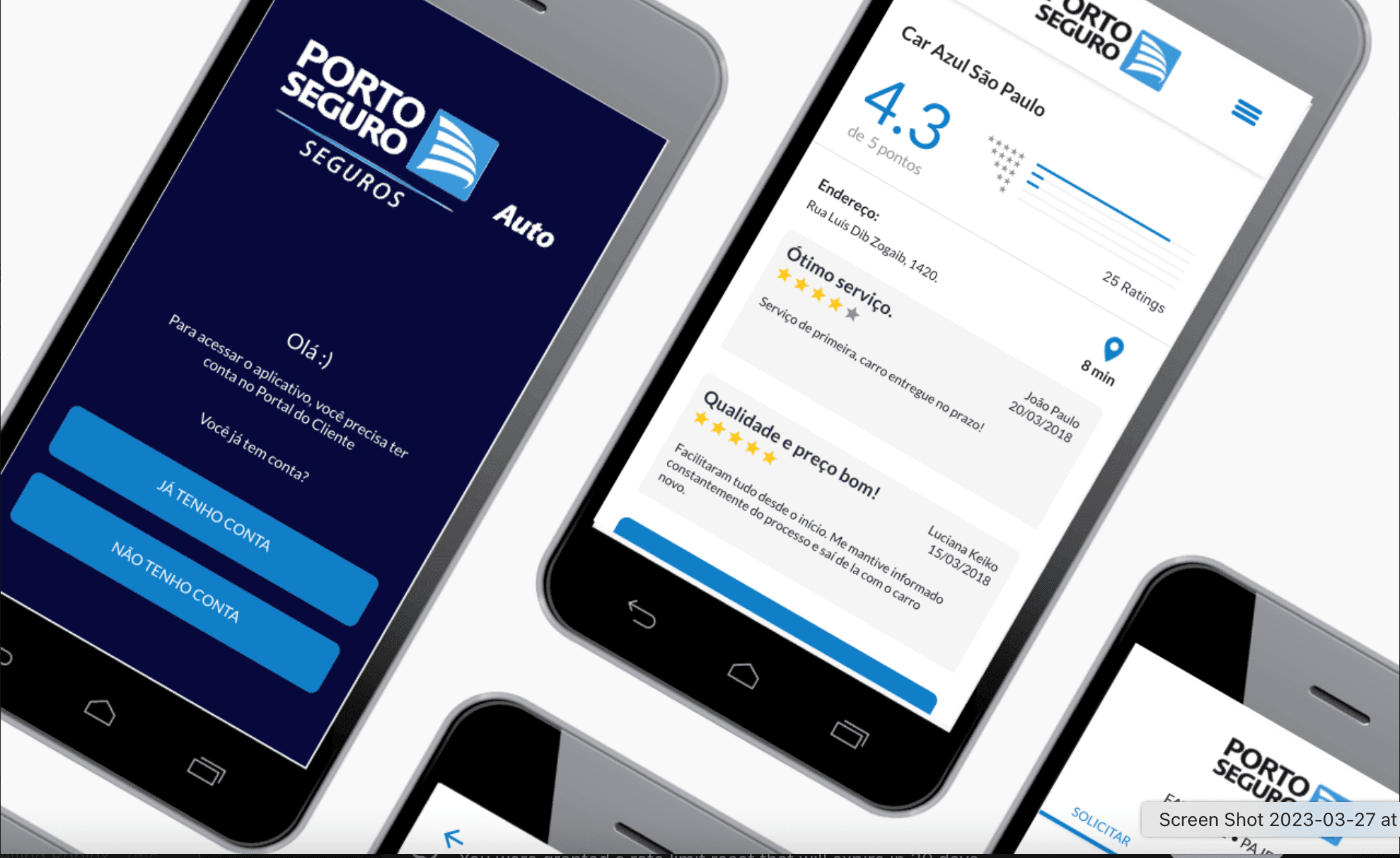
Porto Seguro mobile interface screens for vehicle claims and assistance

Mobile app

Porto Seguro

App design for requesting vehicle assistance, finding a repair shop and tracking repairs.
  • Claim reporting
  • Repair shops
  • Vehicle assistance
View project
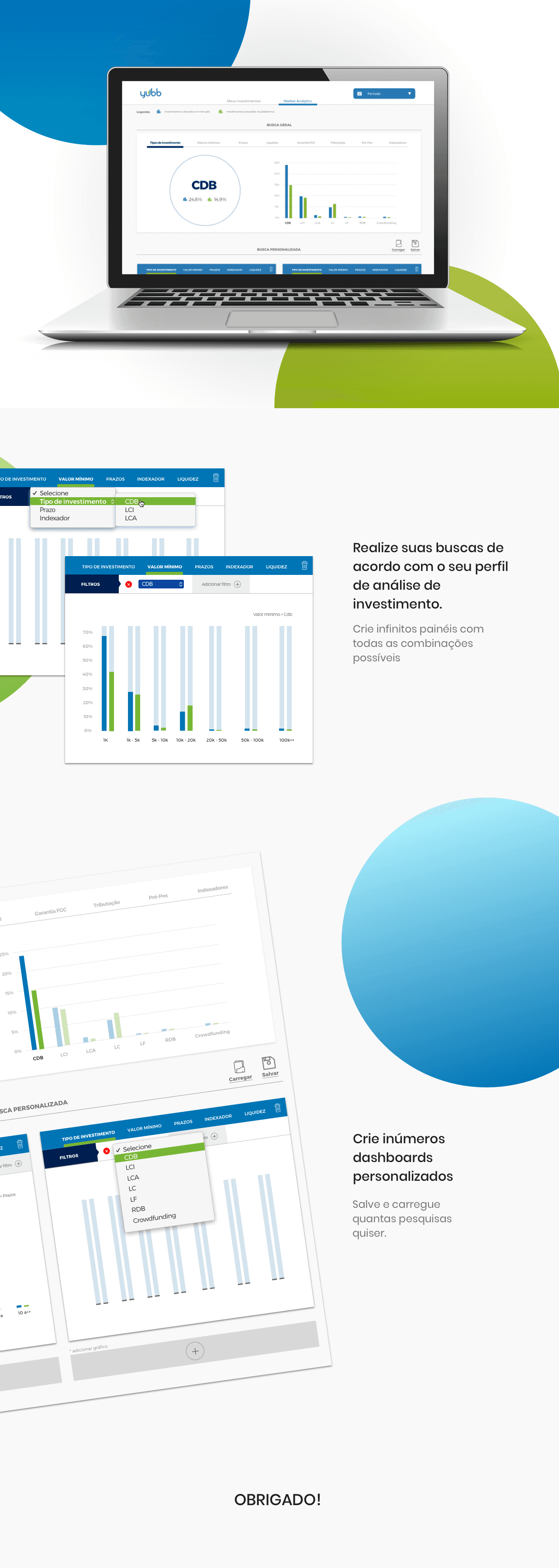
Yubb investment analytics interface with filters and comparison charts

Investment dashboard

Yubb

Dashboard design for comparing investment data, adjusting filters and saving searches.
  • Search filters
  • Comparison charts
  • Saved searches
View project
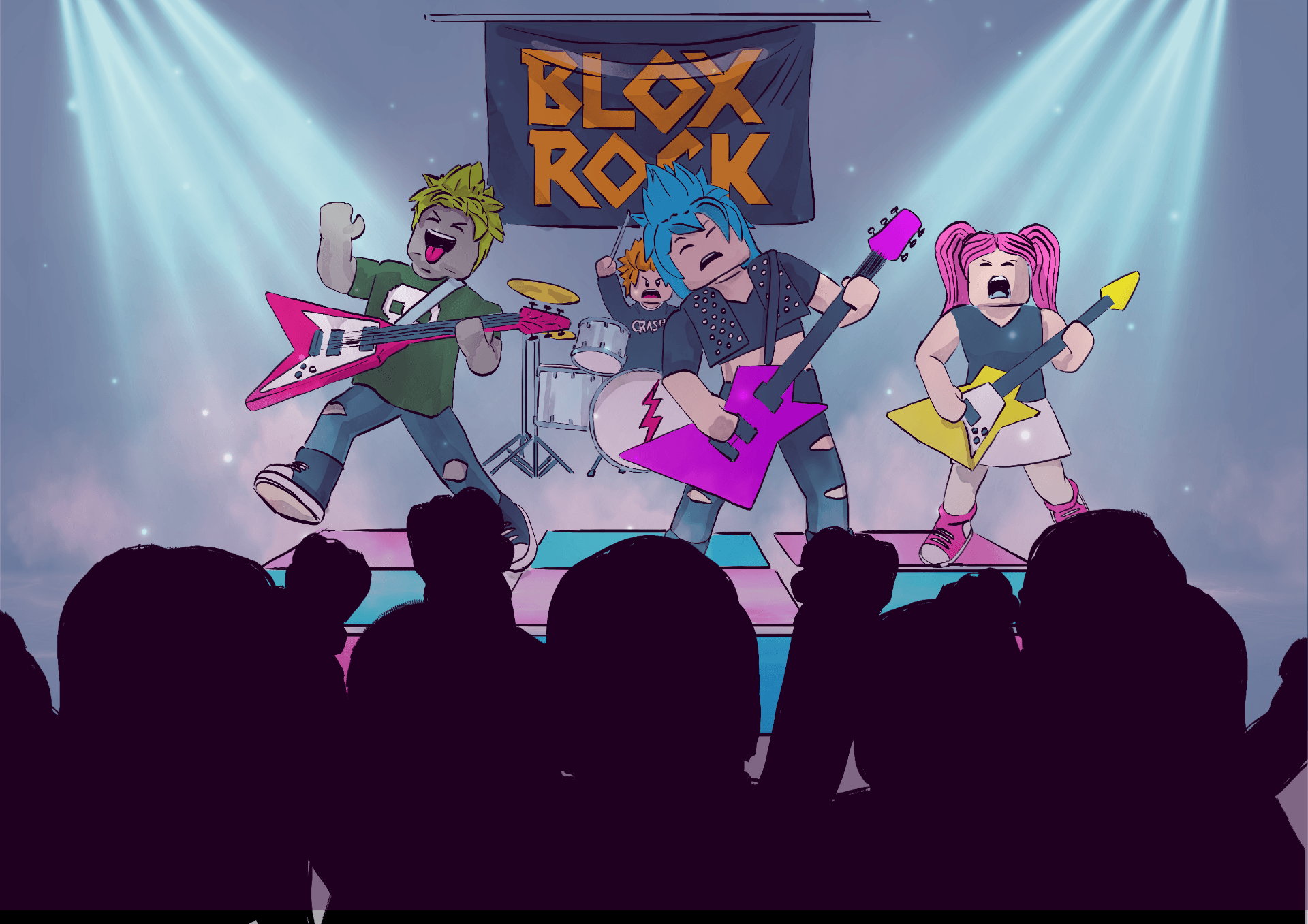
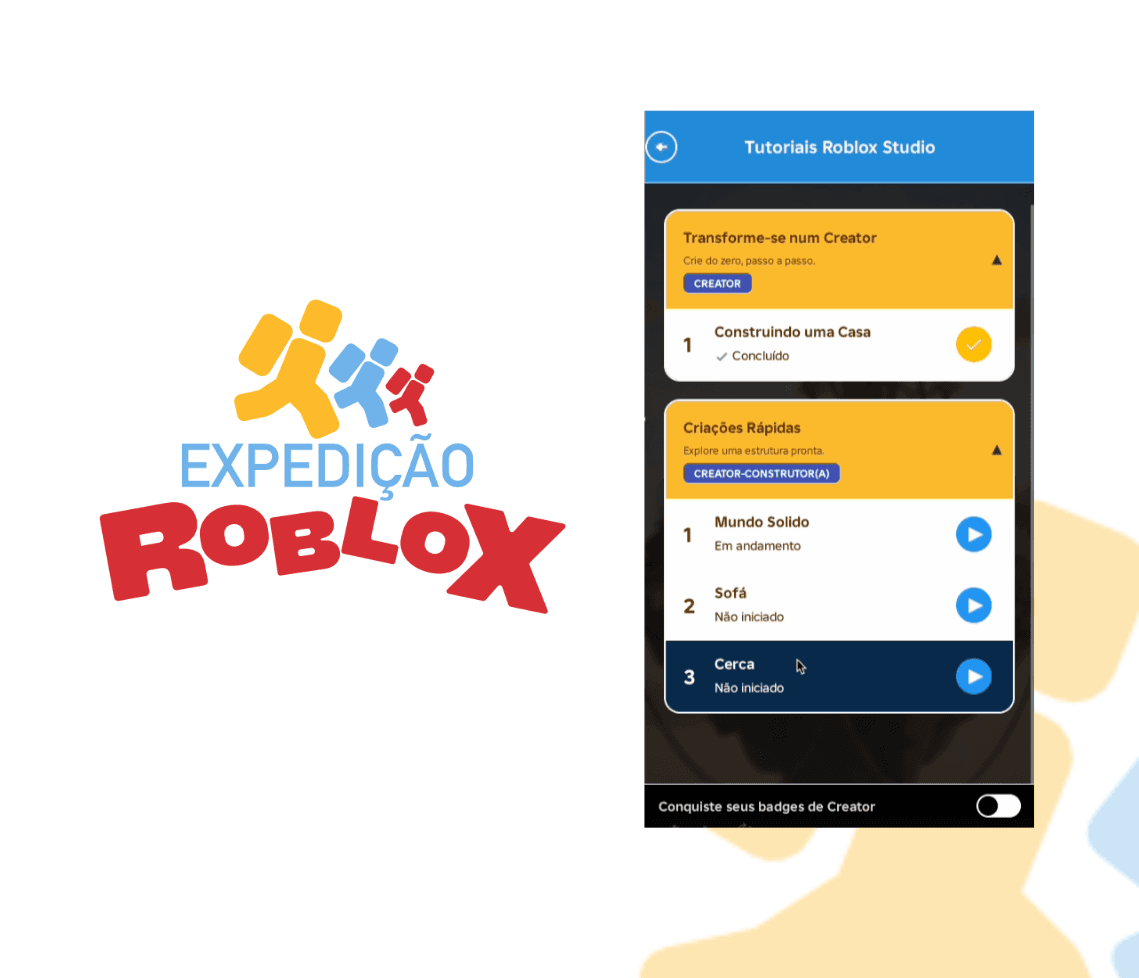
Expedição Roblox logo and interface presentation

Education and games

Expedição Roblox

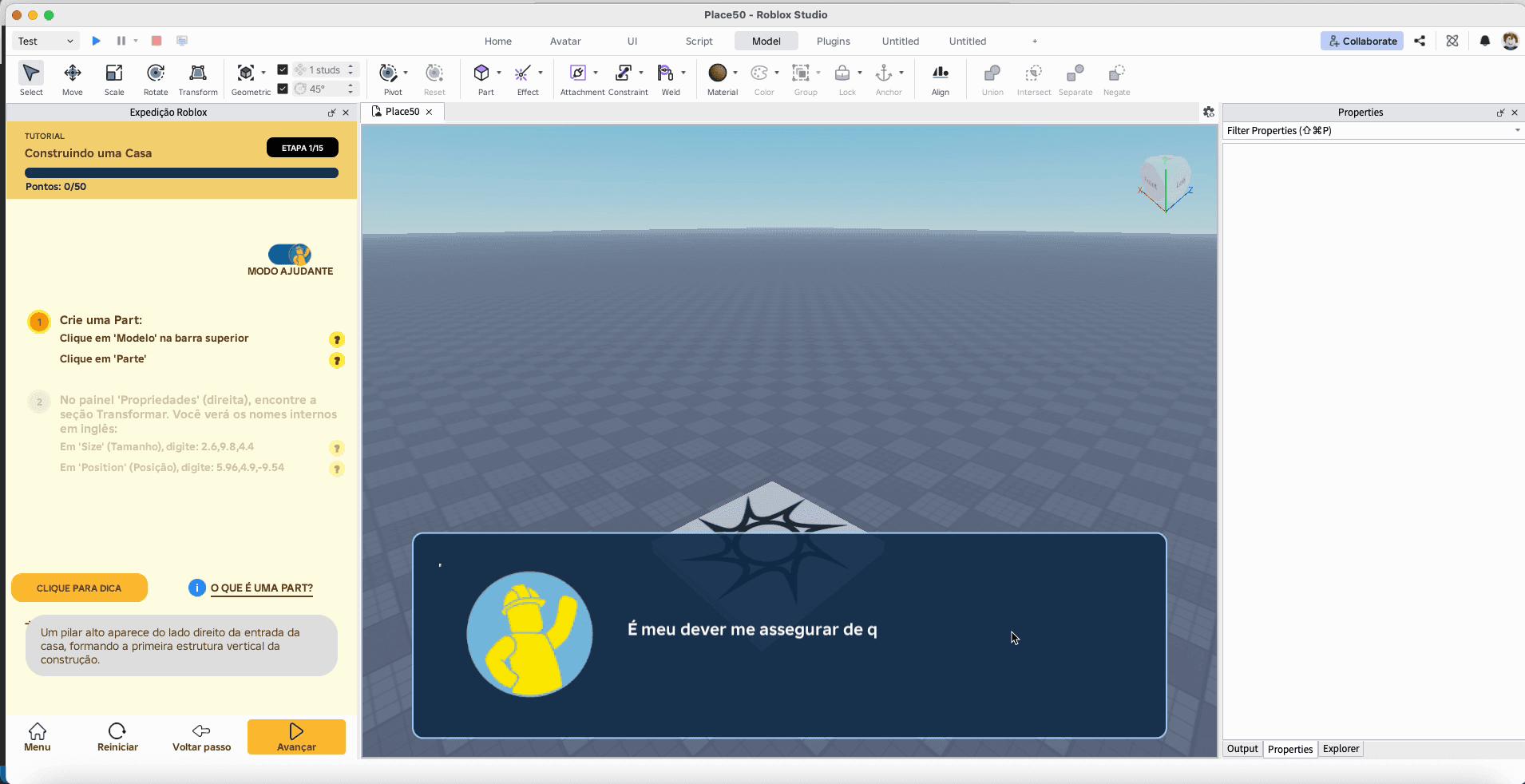
A plugin with step-by-step Roblox Studio tutorials, plus a mobile prototype for creating 3D objects.

  • Tutorials
  • Roblox Studio plugin
  • Mobile prototype
View project

Development

React projects

Two projects you can try in the browser and explore on GitHub.
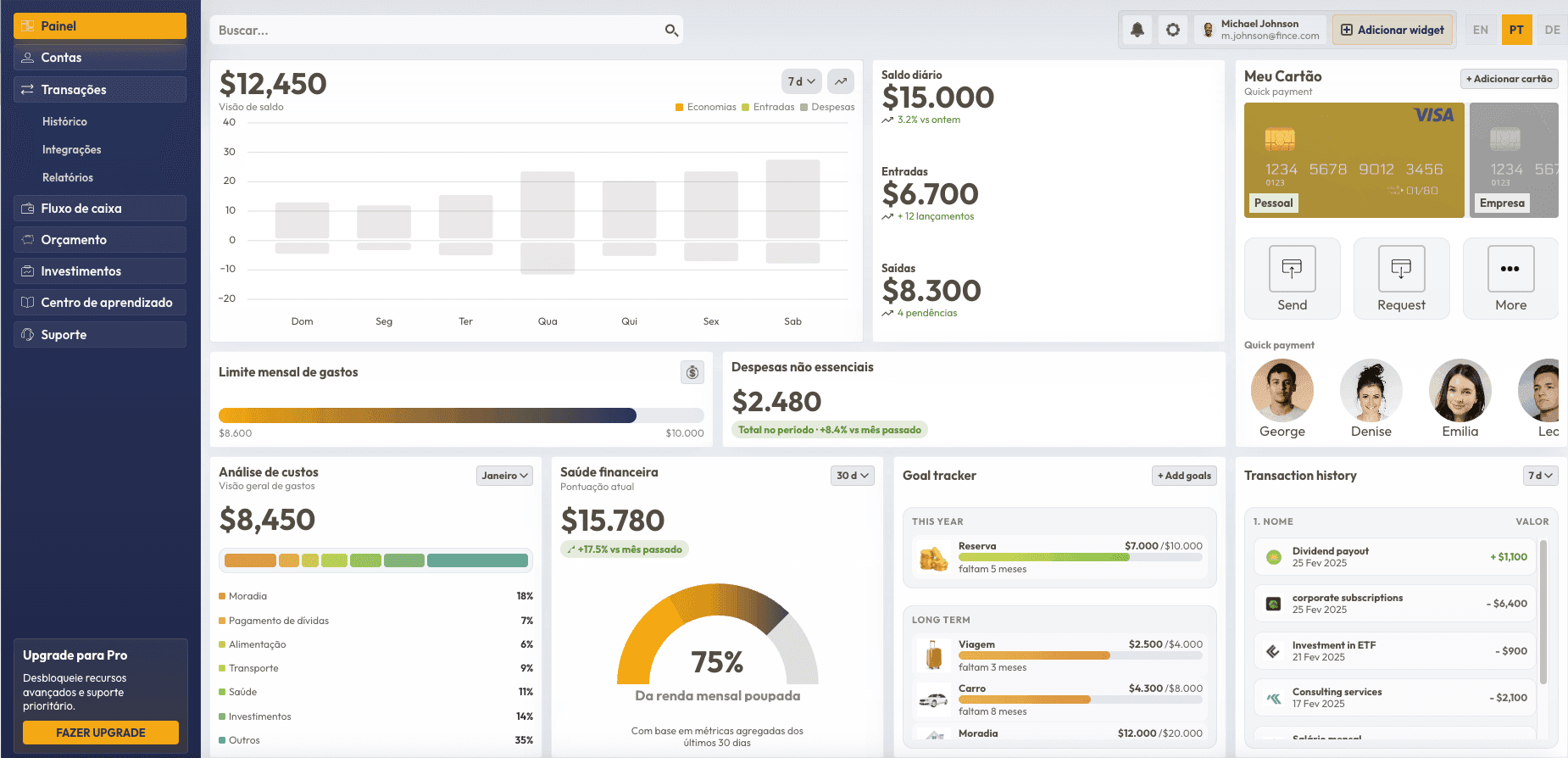
Financial dashboard interface with metrics and charts

Dashboard

A financial dashboard prototype with charts and savings goals, using sample data. Built with React, Next.js and TypeScript.
Dashboard motion design case study
Dashboard
Ver dashboard
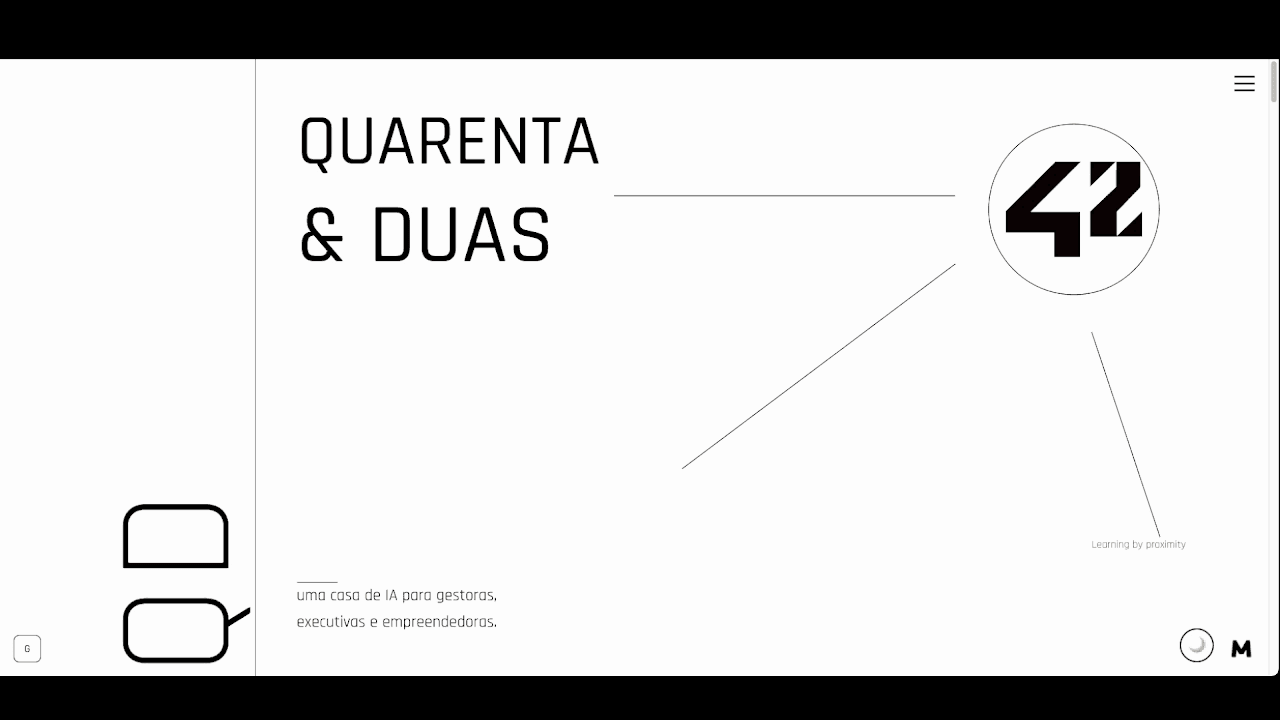
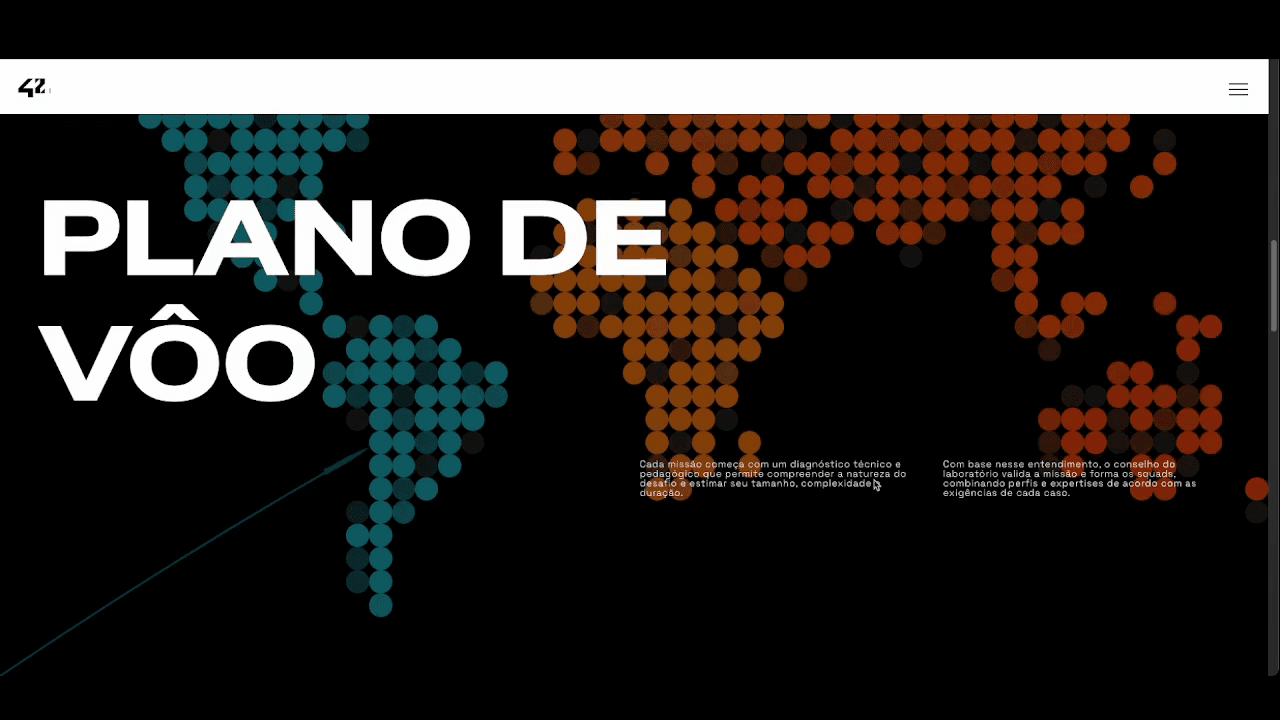
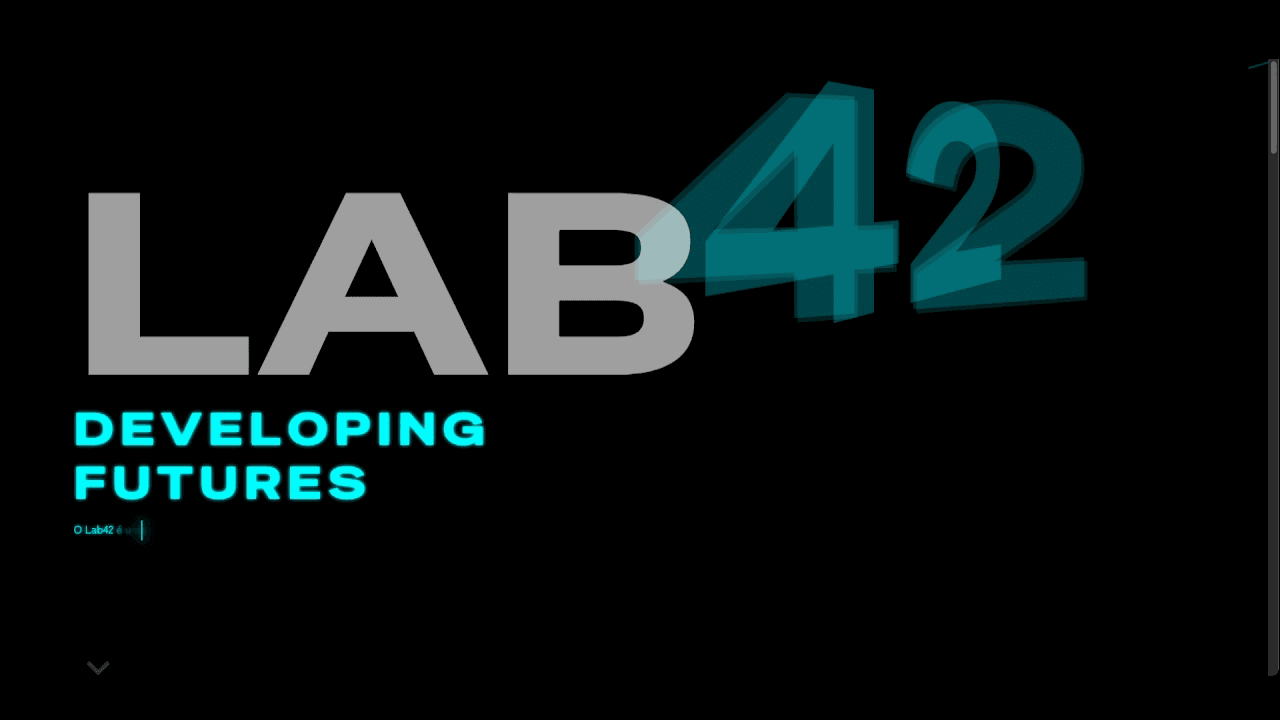
42 landing-page-1
Lab42 Home
42 landing-page-2
Quarenta & Duas
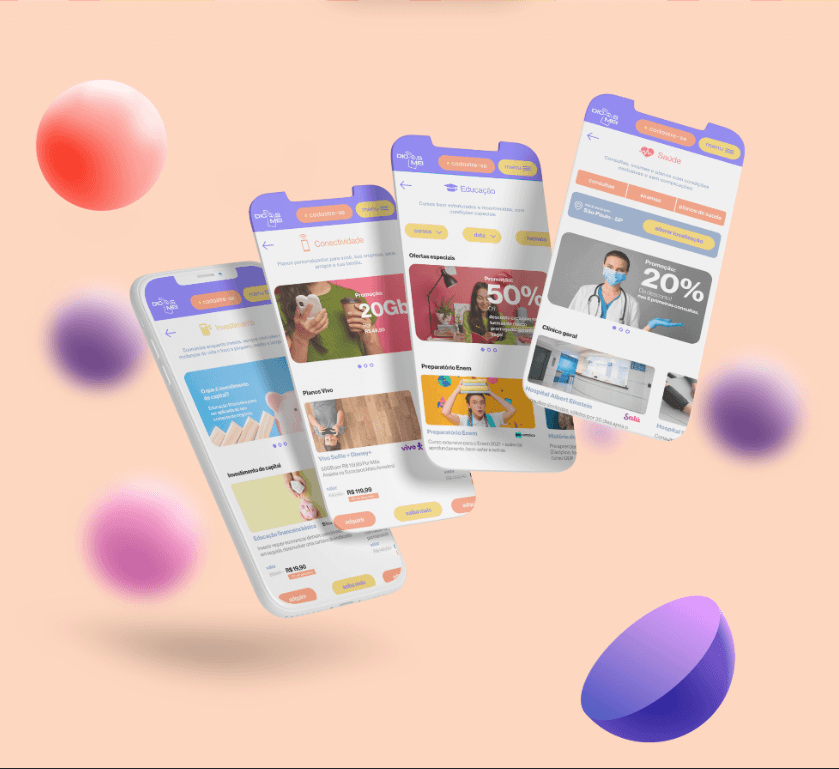
Dicas MEI editorial design
Dicas MEI 01
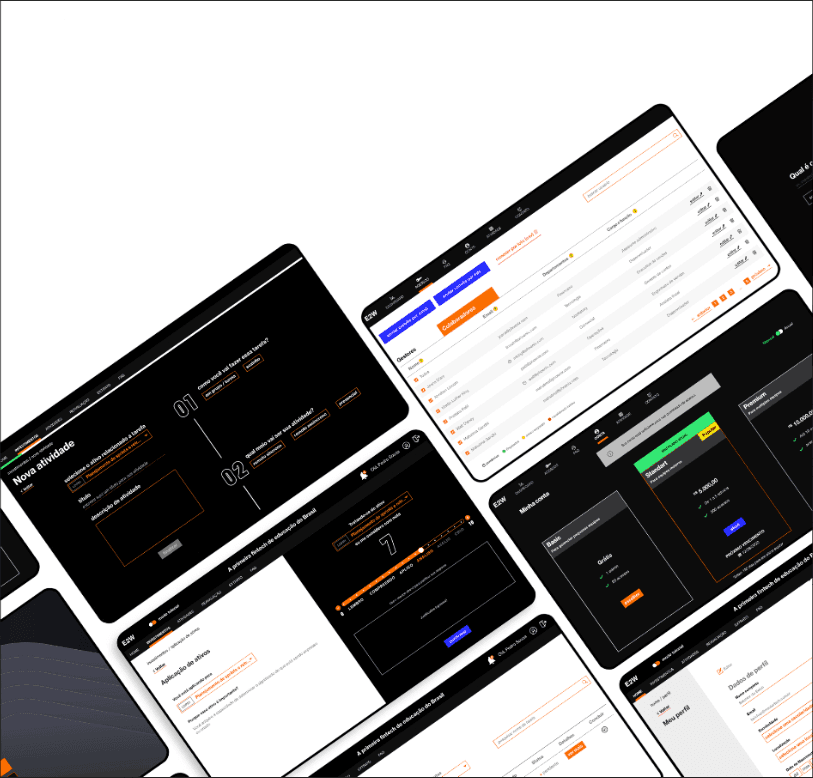
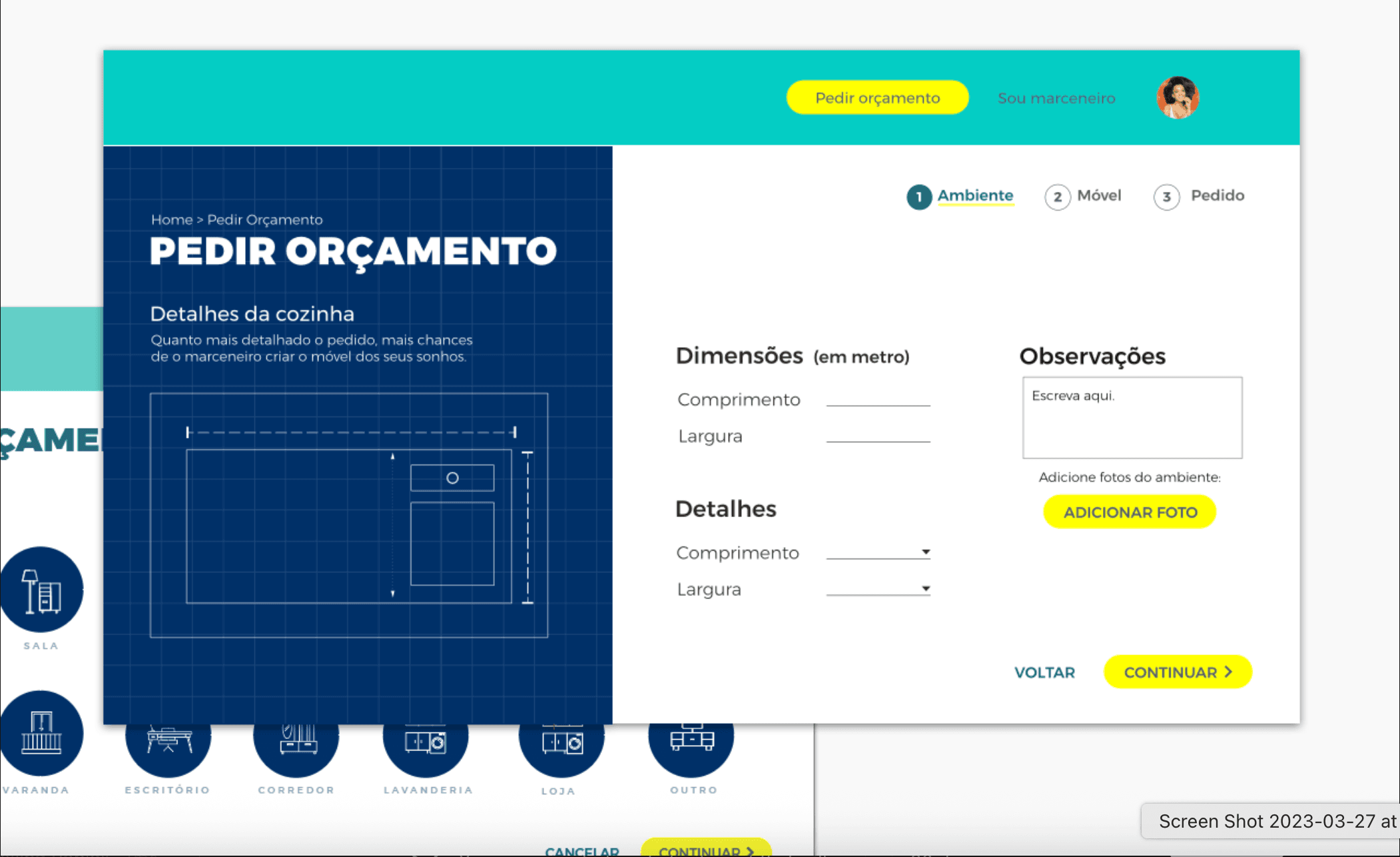
E2W branding piece
E2W
Logo | Expedição Roblox
Expedição Roblox logo presentation
Expedição Roblox
Expedição Roblox
Porto Seguro project thumbnail
Porto Seguro
Porto Seguro
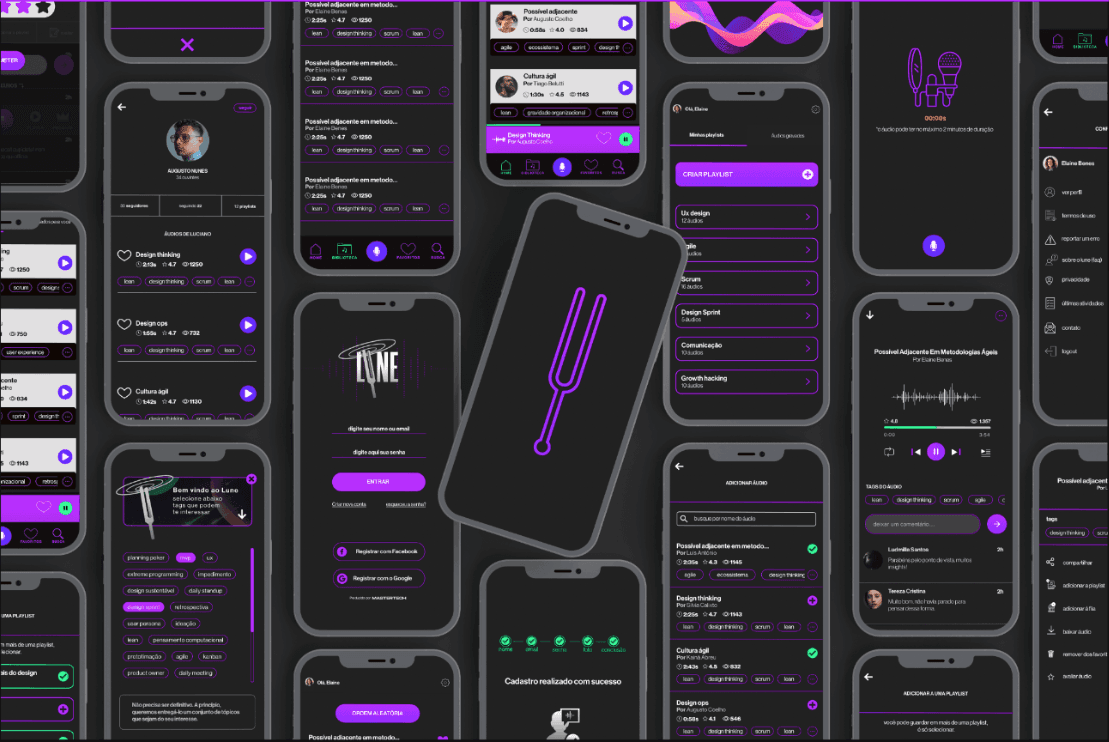
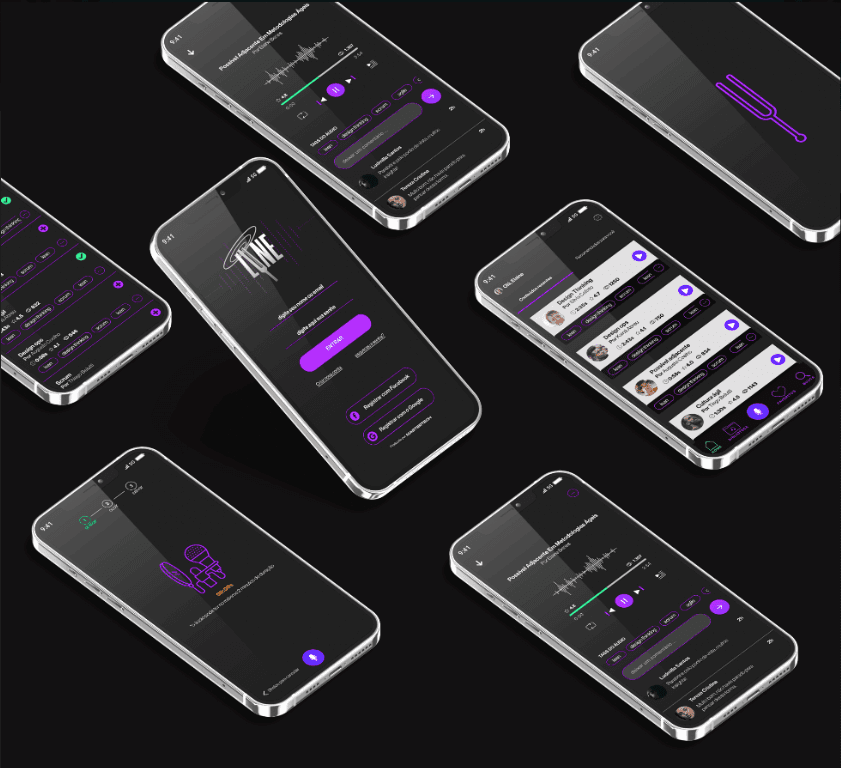
Lune app product screen
Lune App
Yubb project thumbnail
Yubb
Yubb
Lune app feature screen
Lune App 03
Roblox plugin HUD motion showcase
Roblox Plugin HUD
Dicas MEI art direction layout
Dicas MEI 03
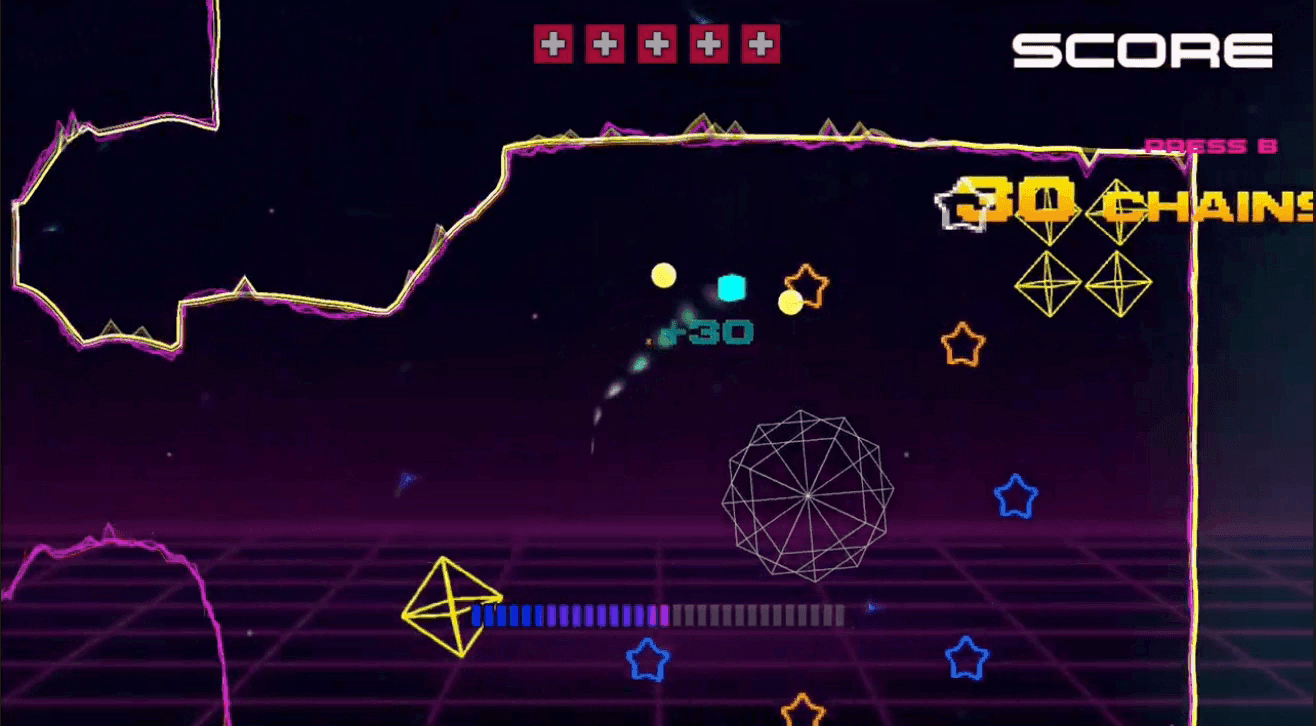
Black Hole Sun game motion piece
Black Hole Sun
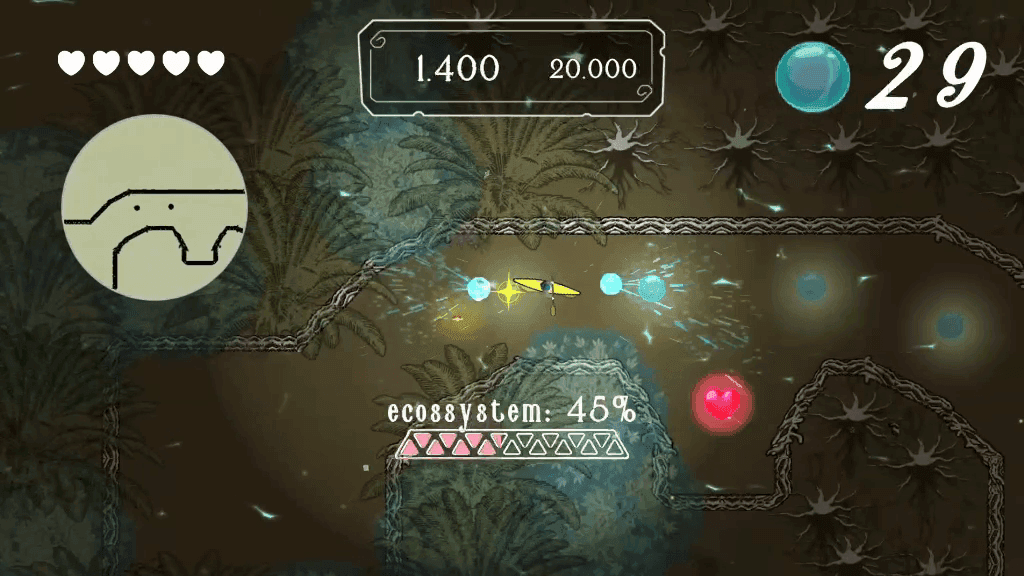
Game jam project presentation
Game Jam
Emotitron animation
Emotitron
Yanomangue video piece
Yanomangue
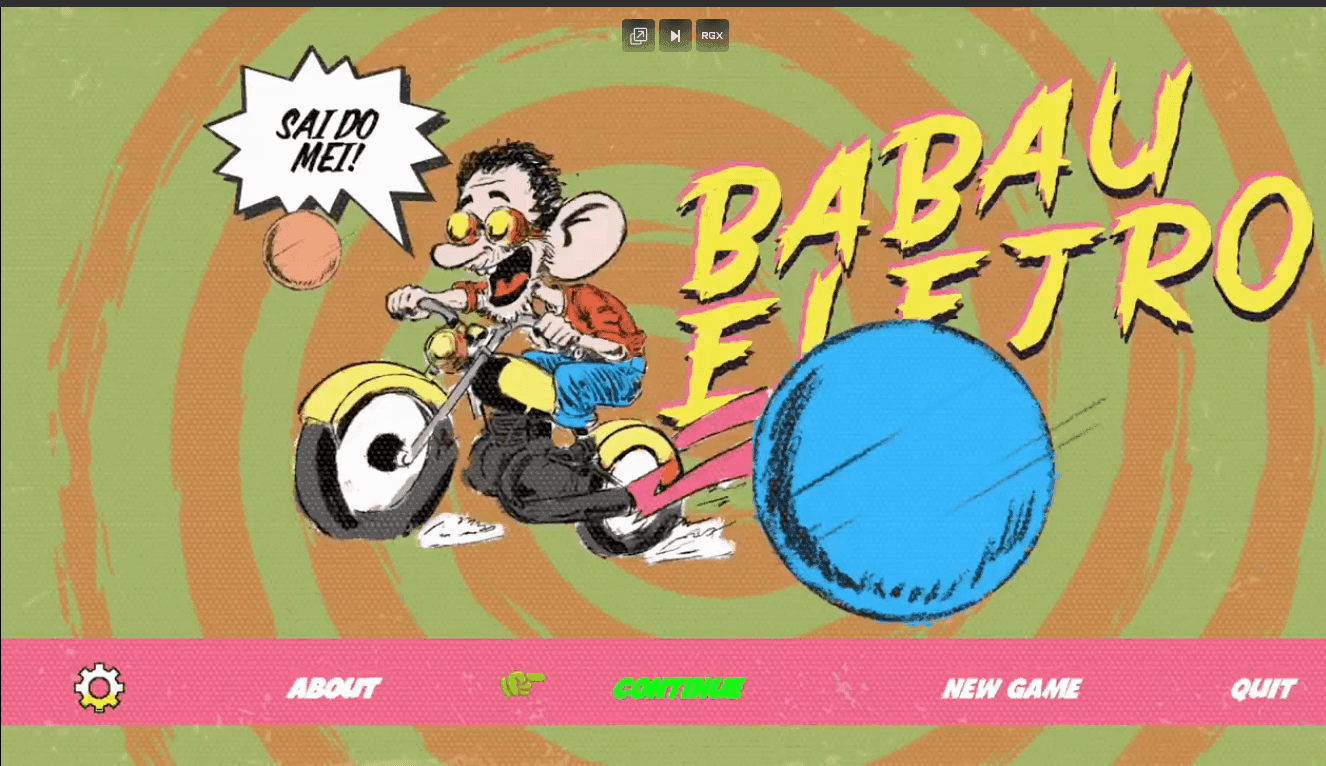
Babau motion variation
Babau 02
Leo Madeiras project thumbnail
Léo Madeiras
Léo Madeiras
42 landing-page-1.2
Lab42 Section
Lune app interface exploration
Lune App 02
Expedição Roblox logo
Expedição Roblox — Logo
Dicas MEI editorial layout
Dicas MEI 02
Roblox open world capture
Roblox Open World
Babau 01

Design and development

I started working in design in 2008 and moved into UX in 2017, at Mastertech.

Since 2021, I have worked independently on UX projects and frontend development. My work includes interface design, interactive prototypes and React development.

What I work on:

  • user flows and interface design
  • high-fidelity prototypes
  • design systems
  • React interfaces

Specialties: Full-stack, UX, UI, Design Engineering, UX Writing, Advanced prototyping, Design systems, Javascript and web stack, Unity C#, Clean architecture, and Gamification.

  • Full-stack
  • UX
  • UI
  • Design Engineering
  • UX Writing
  • Advanced prototyping
  • Design systems
  • Javascript and web stack
  • Unity C#
  • Clean architecture
  • Gamification

AI and UX

When an AI agent uses the interface.

An AI agent can carry out a task on someone's behalf. That raises practical questions for interface design.

What can the agent do? How does it know whether an action worked? When should it ask the person to confirm?

The person

  • sets the goal
  • decides what to authorize

The agent

  • finds available actions
  • carries out the task
  • checks the result

Details that matter:

  • clear button and field labels
  • accessible navigation
  • visible loading, success and error states
  • confirmation before consequential actions

The person should be able to:

  • review
  • confirm
  • correct

How agents use software

01

Reading the screen

Uses screenshots to identify visible text, controls and states.

Contact

Let’s talk.

Send me a message using the form or get in touch by email.